
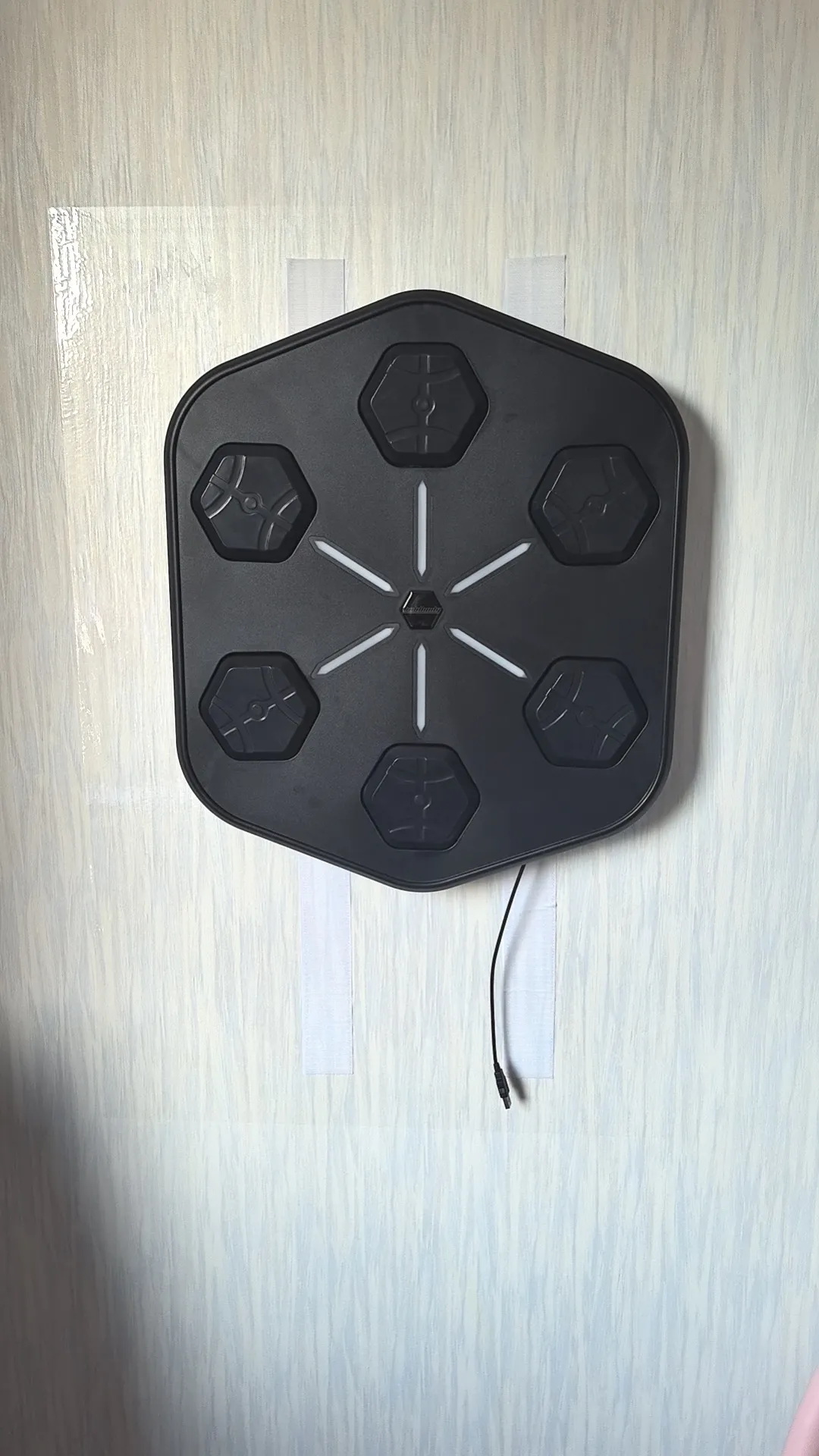
Direct answer: The Smart Boxing Machine works with an app called Room Boxing, available for both iOS and Android. The app switches its display language automatically to match yours — English included — so there’s no language menu to hunt for. Early batches shipped with a Chinese-only registration screen; that’s since been addressed. If your screen still isn’t in your language, a quick check of your phone’s language setting and an app update are the first two things to try.
What app the Smart Boxing Machine uses, and where to get it
The app is called Room Boxing. It’s available on both iOS and Android, so you can use it on an iPhone or an Android phone. Search for “Room Boxing” in the App Store or Google Play.
There’s one version of the app for this machine. There’s no private-label or rebranded version, whatever the order size. If your plans depend on putting your own brand on the app, the section on what is and isn’t customizable about the app (linked below) covers that.
Why the language on your screen might not match what you expected
Room Boxing is set up to switch its display language to match yours automatically. In normal use you shouldn’t need to change a setting to get English (or French, or German) — it should just appear that way.
We haven’t confirmed exactly what the app reads to decide your language, so treat the checks below as sensible first steps rather than a guaranteed fix. We also haven’t confirmed how the app connects to the machine itself, so this guide deliberately doesn’t cover pairing steps. The mounting and first-power-on walkthrough (linked below) covers the physical side of setup.
What to check if the app isn’t in your language
- Check your phone’s language setting. Since the app matches your language automatically, a phone set to a different language than you expect is the most likely explanation and the quickest thing to rule out.
- Update the app. An older version may not reflect the current language behaviour. Check the App Store or Google Play for an update before assuming anything is wrong.
- Reopen the app after changing either of the above. Give it a clean restart rather than checking mid-session.
- Still not right? Contact us. Tell us your phone model, operating system and what language the screen is showing. That’s enough for us to look into it, and it’s more useful than a screenshot of the machine.
Nothing on this list involves the machine itself. A language problem in the app isn’t a sign the unit is faulty.
Early batches vs today: the language issue we’ve actually had
This isn’t a hypothetical problem. An early batch of these machines shipped with an app registration screen that was only available in Chinese, and several European buyers got stuck at registration because of it. English onboarding was added afterward.
That’s the background to the current behaviour, where the app matches your language automatically rather than defaulting to one. If you’re buying for a gym or an event and you’ve heard about the Chinese-screen problem from someone who bought early, that’s the history. It isn’t how the app is meant to work now. If you want certainty before a multi-unit order, ask us to confirm current app details first. More generally, the checklist for reading music boxing machine reviews covers what’s worth checking before you trust any review, including ours.
Frequently asked questions
What’s the app called?
Room Boxing. It’s available on iOS and Android.
Do I need to change a language setting inside the app?
It shouldn’t be necessary. The app switches to match your language automatically.
My registration screen is in Chinese. Is my machine faulty?
Almost certainly not. Early batches had a Chinese-only registration screen, and that’s since been addressed. Check your phone’s language setting and update the app first, then contact us if it persists.
Can I get a version of the app with my gym’s branding?
No. There’s no private-label or rebranded version of the app at any order size.
How does the app connect to the machine?
We haven’t published confirmed connection details, so we’d rather not guess here. If this matters before you buy, ask us directly.
Related reading
- Setting the unit up physically? See the mounting and first-power-on walkthrough
- Still deciding whether it fits your venue? See the ordering guide for gyms and events
- For branding limits, see what is and isn’t customizable about the app
- Full specifications are on the Smart Boxing Machine spec sheet
Ordering for more than one location? Ask us to confirm current app details before you order.
Editorial note: Product specifications and commercial rules are stated only where verified. Published and updated dates come from the WordPress post record.